Strength training log
Import your Strong or Hevy history
Switching apps should not mean losing years of sets. Export a CSV from Strong or Hevy and open it in Stele—importing is free and does not require an account.
Coming to the App Store and Google Play
What comes across
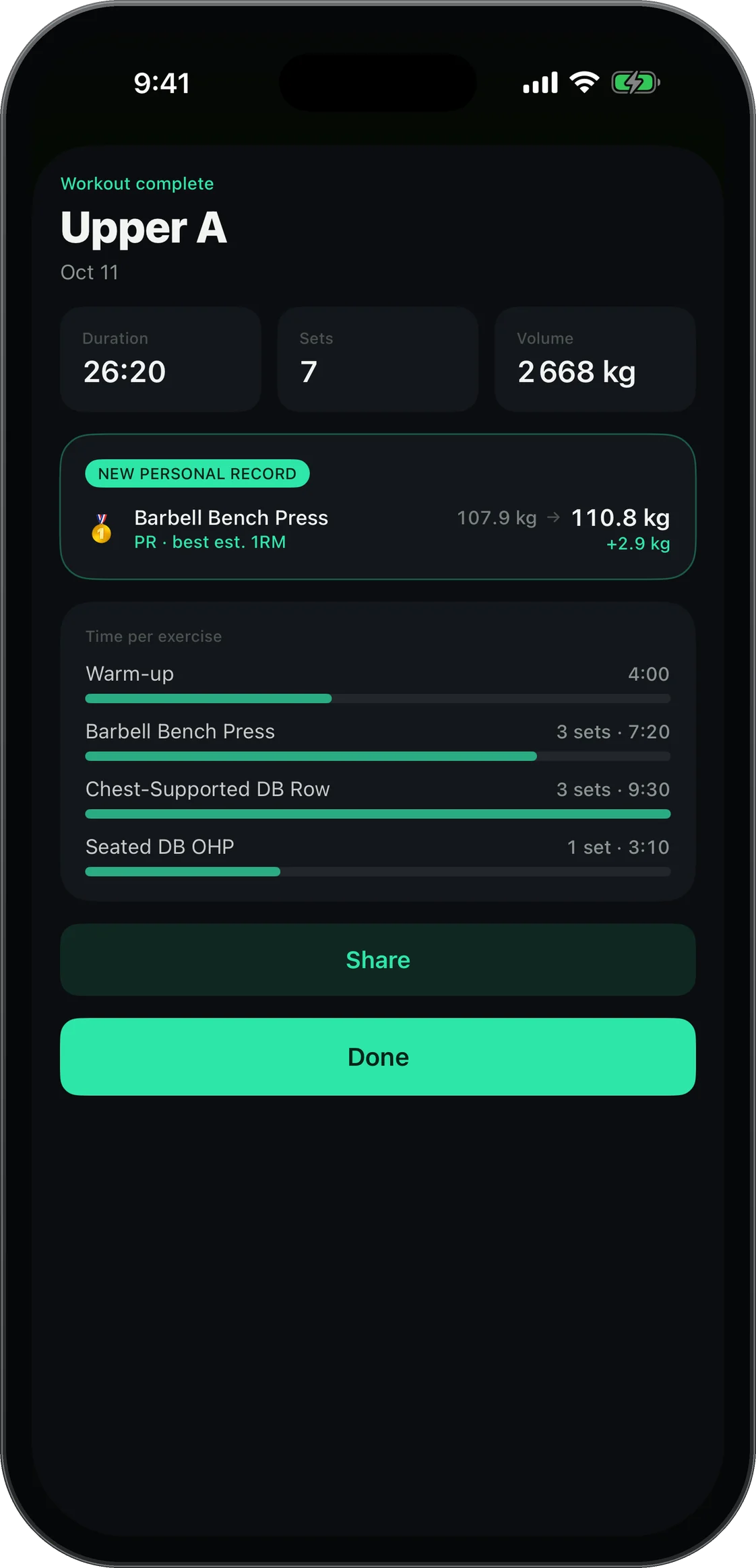
Every workout and set comes across. Exercise names are matched to Stele’s own list so your history stays usable for progression and next-lift suggestions.
How it works
Export CSV from Strong or Hevy, then open it in Stele. Review the proposed exercise matches before importing. When Strong omits weight units, Stele asks you to choose them.
Why people switch
Bring your history and use it to guide progression. Train your own plan, your coach's, or build one with a template or paid AI. Logging stays free, offline and without sign-up.
Questions
Is Strong/Hevy import free?
Yes. Importing is free.
Do I need an account to import?
No. Stele has no sign-up.
What file do I need?
A CSV export from Strong or Hevy.